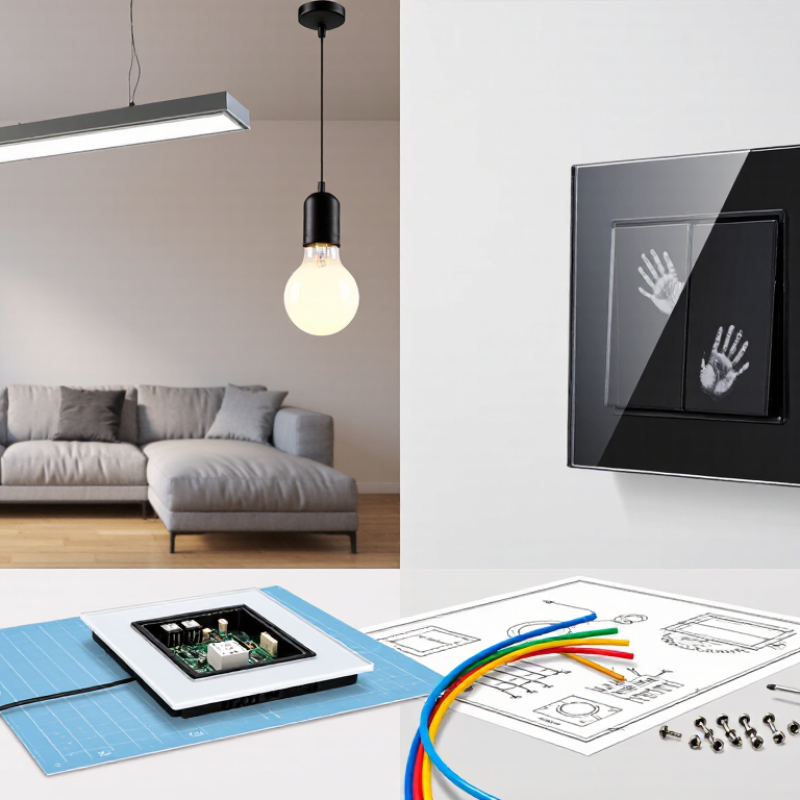
| 1 | Choose the sensing technology for the application. | Capacitive sensing detects changes in electrical capacitance; resistive sensing responds to pressure; infrared sensing detects interruption or reflection of infrared light; piezoelectric controls respond to applied force. | Confirm which technology suits the intended panel, operating environment, user interaction, and cleaning requirements. Ask for the operating principle and test conditions. |
| 2 | Match the switch to the electrical load. | Compare rated voltage, current, load type, and switching method, such as direct load switching or a low-voltage signal output. | Check the rating for the actual load. LED lamps and electronic drivers can have inrush current, so a general resistive-load rating may not establish compatibility. |
| 3 | Confirm regional electrical requirements. | Compare the intended supply voltage and frequency, wiring arrangement, terminal style, and applicable safety requirements for the destination market. | Verify product documentation and certification requirements with the relevant local authority or qualified importer. Requirements vary by country and product category. |
| 4 | Check installation and wiring compatibility. | Compare wall-box dimensions, mounting depth, terminal capacity, neutral-wire requirements, and compatibility with the existing installation. | Obtain dimensioned drawings and wiring diagrams. Do not assume a touch switch uses the same wiring or fits the same mounting box as a conventional mechanical switch. |
| 5 | Assess performance with gloves and through panel materials. | Capacitive models may depend on touch sensitivity, overlay thickness, and material; resistive or piezoelectric designs may respond differently to gloves or pressure. | Test using the intended cover material and thickness, representative gloves, and typical user contact. Confirm any stated sensing distance or sensitivity under defined conditions. |
| 6 | Review environmental protection and cleaning needs. | Compare enclosure protection against dust and water, surface material, edge sealing, and resistance to cleaning agents. | Check the declared IP rating and the conditions under which it applies, including installation and gasket use. An IP rating does not by itself establish chemical resistance. |
| 7 | Compare control functions and user feedback. | Options may include on/off control, dimming, multi-way control, indicator lighting, audible feedback, and adjustable brightness or sensitivity. | Confirm the function is supported by the selected model and compatible with the connected load or control system. Check whether feedback can be configured where needed. |
| 8 | Check smart-control and network compatibility. | Compare standalone operation with wired control or wireless technologies such as Wi-Fi, Bluetooth, Zigbee, or other specified protocols. | Verify the exact protocol, frequency band, hub or gateway requirements, app and region availability, and behavior if the network or internet connection is unavailable. |
| 9 | Evaluate durability and operating conditions. | Compare stated operating temperature, humidity limits, mechanical endurance, touch-cycle test method, and expected service conditions. | Request test reports or datasheet limits and check that the test conditions match the intended application. Do not treat a cycle figure as a guaranteed service life in every installation. |
| 10 | Confirm documentation, supply, and support. | Compare installation instructions, wiring diagrams, product specifications, spare-part availability, warranty terms, and production lead time. | Request current documents for the exact model and market version. Clarify minimum order quantities, sample availability, packaging, change notification, and after-sales arrangements. |

.svg)