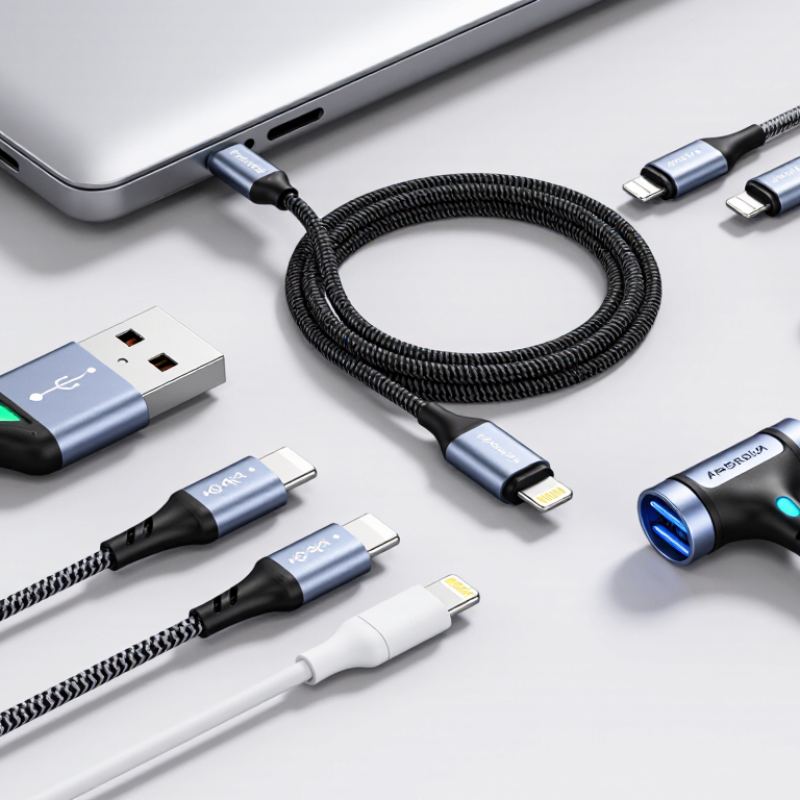
| 1. Match the cable to the required power | Confirm the charging standard, cable rating, and power supported by both the charger and device. | The delivered power is limited by the least capable part of the charging setup. | For USB Power Delivery 3.1 Extended Power Range (EPR), the maximum is 240 W (48 V at 5 A). The charger, device, and cable must all support the required EPR power level. |
| 2. Check the cable’s current rating | Look for a clearly stated current rating, such as 3 A or 5 A, and verify that it suits the intended power. | At a given voltage, higher power requires higher current; a cable rated for a lower current can limit charging. | High-power USB-C charging above 3 A requires a suitable electronically marked cable. For EPR charging, use a cable specifically rated for the intended EPR power level. |
| 3. Verify connector compatibility | Check the connector type at both ends and the ports on the charger and device. | A cable must physically and electrically match the equipment to establish the intended connection. | USB-C to USB-C is commonly used for USB PD charging. A connector shape alone does not confirm support for a particular charging wattage or data speed. |
| 4. Separate charging power from data speed | Check charging specifications and data-transfer specifications independently. | A cable designed for charging may provide only basic data transfer; a high data rate does not automatically indicate a high power rating. | If you need fast file transfers or video, look for an explicitly stated data capability in addition to the power rating. Do not infer data performance from the connector alone. |
| 5. Choose a practical cable length | Measure the distance between the power source and the device, then compare the cable’s rated performance at that length. | Cable construction and length can affect electrical performance, handling, and convenience. | Choose a length that fits the setup without unnecessary slack. For high-power use, follow the cable maker’s stated power limits for the exact cable length and model. |
| 6. Assess durability for the use environment | Review connector strain relief, jacket material, flexibility, and any stated bend or cycle testing. | Repeated bending, pulling, and travel can wear cables and damage connectors over time. | For frequent travel or daily use, prioritize clear construction details and a suitable jacket. Avoid sharp bends and pulling the cable by its connector. |
| 7. Check labeling and market requirements | Review the product’s ratings, safety information, traceability, and applicable compliance documentation for the destination market. | Clear documentation helps buyers verify specifications and meet sourcing or import requirements. | Ask suppliers for test reports or other relevant documentation where required. Do not treat a certification mark or a printed wattage claim as a substitute for verifying the cable’s actual specification. |

.svg)